
Welcome to my first co-op blog post! I am Mehtab Kaur, a student in Software Engineering going into my third year at the University of Guelph. This blog will give an overview of my Fall 2022 (4-month) co-op experience as a Student IT Consultant at U of G’s Computing and Communications Services (CCS).
Who is CCS
Computing and Communication Services, also referred to as ‘CCS’ is U of G’s central IT department. They are responsible for providing core IT services to the university community.
CCS supports various IT services including network connectivity, information security, software distribution, and other campus-wide applications. They also provide technical support and troubleshooting for software applications, programs, and tools that are used by staff and students across campus. This service largely supports one of the main purposes of CCS which is to enable our university community with the help of technology.

What I worked on at CCS
As a Student IT Consultant, I got the opportunity to provide front-line technical support to students, staff, and faculty members via phone, ticketing system, live chat, and in-person at the IT help desk.

A lot of the technical support consisted of troubleshooting issues with network connectivity, MS Office suite, and working with multiple operating systems such as Windows, Mac OS, Android, and iOS. Working with Mac OS was something I learned on the job, especially at the in-person IT help desk where I got the opportunity to troubleshoot a wide variety of issues and install/uninstall software including MS Office – which is a much tedious process compared to Windows!
Educating end users was also an important aspect of our work. Applying good cybersecurity practices was a significant topic. For instance, it is crucial that users know how to spot scams and phishing campaigns targeting staff and students. This helps prevent user accounts from getting compromised and protects user information.
A twist of events..

In September 2022, CCS faced a security incident that impacted a number of university systems.
Our work quickly increased as our team switched into crisis management mode.
Shortly after the incident was discovered, CCS mandated a password change for all students, staff, and faculty for their central login accounts as a security precaution. Users that did not meet this requirement by the determined deadline were locked out of their accounts.
This would turn out to be thousands that were locked, and we were suddenly dealing with hundreds of tickets, live chats, and what seemed to be endless calls and line-ups at our IT help desk for users that were unable to access their university accounts.
Although, this situation was unpredictable and stressful to handle at times with details remaining confidential, I used it as a learning opportunity as the incident truly taught me how to work under pressure.
Goals and Reflections
During my co-op as a Student IT Consultant at CCS, I identified 4 goals that I wanted to achieve by the end of my co-op term.
Enhance my oral communication skills

Effective oral communication is a fundamental skill at a workplace and our day-to-day life as it helps us deliver and understand information quickly and accurately. At this job, good oral communication skills were crucial as we assisted several clients via the phone and at the IT help desk. Going into this job I was already fairly confident with my written communication skills, and I realized that the best way to improve my verbal communication skills was practicing. I took the initiative to take on more calls and soon began to enjoy helping clients as I learned how to effectively communicate with a wide variety of users to resolve their issues.
I also made sure to ask questions to my supervisor and team members when needed, especially when I needed more clarity on which departments or teams I would need to direct clients to for certain inquires that were out of our scope or needed to be escalated.
Additionally, participating in our team meetings gave me the confidence to openly share my ideas, suggestions, and ask questions.
Getting well versed in software and tools used by CCS to increase productivity
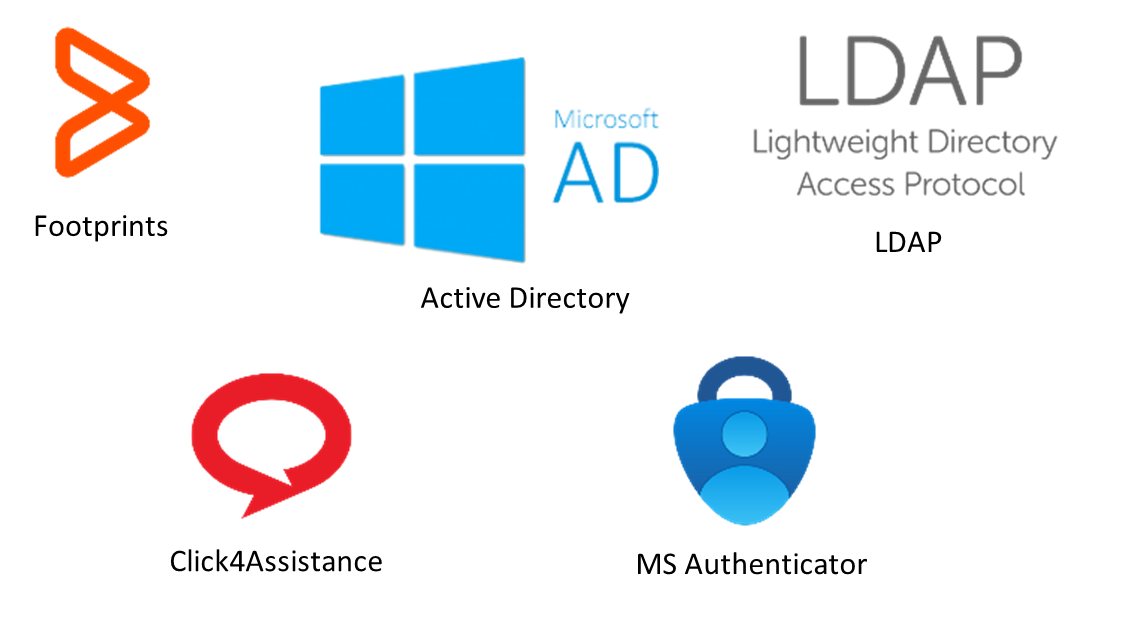
I was introduced to several new software during my co-op term at CCS. Some of the ones I used on a daily basis include:
- Footprints – our ticketing system that allowed us to create, manage, and respond to client inquires and issues. CCS also uses this sytem to host its Knowledge Base
- Active Directory (AD) – directory service that stores information about network components and allows us to manage user accounts including usernames and passwords
- Lightweight Directory Access Protocol (LDAP) – directory protocol that we mostly used for locating user accounts, verifying information, and resetting account passwords.
- Click4Assistance – live chat platform that allowed clients to contact us and get a quick response/solution to their problem or question.
- Multifactor Authentication (MFA) – An authentication method that requires users to verify their identity using another device to access resources such as Microsoft 365 applications, and VPN-protected services such as network (shared) drives.
- MFA was introduced to provide additional security for users and their accounts. It was important that we understood how to set up different authentication methods and how to troubleshoot issues so we could assist clients effectively.
- I helped with testing the authentication methods, particularly the Microsoft Authenticator app and hardware security key. I also assisted with making documentation of the setup processes and troubleshooting steps for common issues users may encounter.
Testing and documenting were especially valuable as I found that it had increased productivity as I could assist clients more quickly.
Improve my troubleshooting skills to effectively resolve client issues

One of the skills required for this job is the ability to troubleshoot, learn and synthesize new information quickly. I was presented with new issues on a regular basis which put my troubleshooting skills to the test.
When I encountered a new issue, I made sure I first clarified and understood what the problem was; this was especially crucial on the phone, where I cannot see the user’s device. I then utilized our documentation and the internet to see if there were any similar issues and possible solutions documented that I could implement. If I could not locate a viable solution, I communicated with my supervisor, team members or other teams in CCS to gain more insight on a particular issue.
A further step I took that simplified the troubleshooting process was to make note of the steps my team and I needed to take to resolve a new issue. This proved to be very beneficial as the next time I encountered the same or similar issue, I could refer back to my notes to assist the client efficiently.
I am now able effectively troubleshoot a wide variety of issues I encounter and assist clients to the best of my ability! I can confidently say that I was able to achieve this goal and it is a skill that I will be able to utilize and benefit from in future work terms as well.
Becoming a better leader

This job gave me the opportunity for leadership development as I was able to assist other CCS team members working with me, particularly at the IT help desk. As CCS had adopted some new procedures due to the IT incident, it was critical to keep all team members up to date. I took the initiative to inform team members about important changes, assisted them with learning new procedures, and answered any questions they had to the best of my ability.
Although I was able to improve my leadership skills during my 4-month co-op, I will continue working towards this goal as I was given the opportunity to stay with the team and continue working on a part-time basis. As a mentor, I will now be able to assist in training the new co-ops which will allow me to further enhance my leadership skills.
Key Takeaways
Cybersecurity is everyone’s responsibility
Throughout my co-op semester, I recognized the importance of cybersecurity for both organizations and end users. For organizations, it is crucial that they have robust security measures in place to help prevent infiltration of their network and systems. However, if users do not take the steps to follow good cybersecurity practices, it becomes increasingly difficult for an IT department to handle security incidents as the actions of individual users can significantly impact the security of an entire organization. For instance, if a user falls for a phishing scam and inadvertently gives away their login credentials, that can allow an attacker to gain access to sensitive data.
Learn to adapt to new technology and situations
Having a growth mindset during my co-op term allowed me to learn new skills and adapt to challenging situations. I feel that this was especially important as I faced new issues on a regular basis. I took on each problem as an opportunity to learn and enhance my technical knowledge and skills. This made me more confident in handling a wide variety of issues and increased my productivity and ability to adapt to new situations.
These takeaways will definitely help me move forward in my career as I believe they are crucial to succeed in the tech industry. My co-op experience has allowed me to become more aware of cyber security and increase efficiency by learning new technology!
Acknowledgements
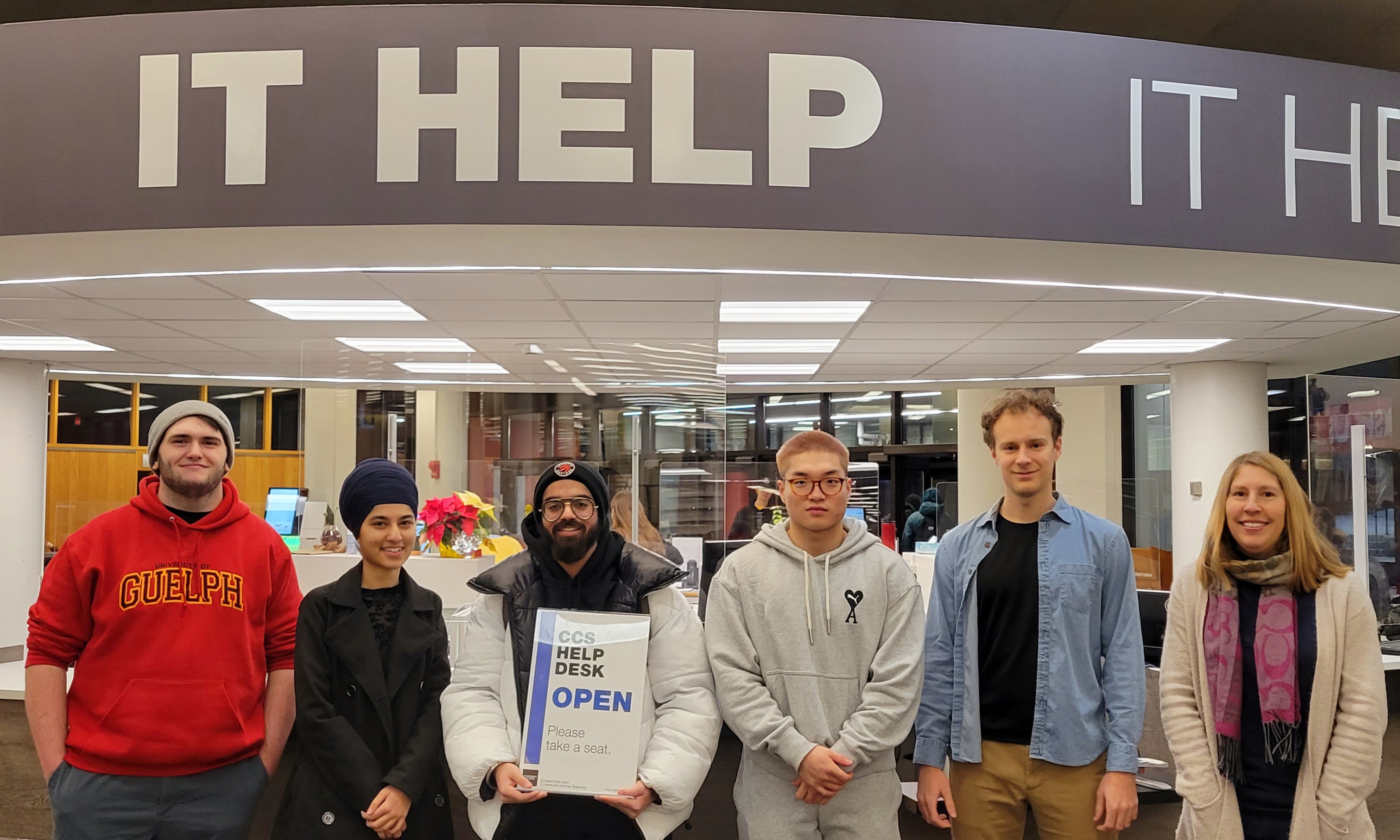
I was incredibly lucky to work with such an amazing team during my co-op term at CCS! I would like to thank my manager, Jill Hogg, for being so supportive and truly making me feel part of the team since day one!
To my team members, Connor Woodroffe, Smaranjeet Singh, Yihao Wang, and Benjamin Turner-Theijsmeijer, thank you for always making me laugh and helping me out! You all truly made my first co-op experience the best.
I would also like to thank our co-op counsellors Kate McRoberts and Laura Gatto for all of their support while securing a co-op job.
Last but not least, I would like to thank our program counsellors, Greg Klotz and Sarah Brennan for taking their time to review this work term report.